

Status tabs for every bill
Work by New, Under Review, Awaiting Payment, Partially Paid, Paid, and open payment-request states.
CentralBook is an accounts payable hub for multiple Xero organizations and QuickBooks Online companies. Review invoices, approve bills, and track payments across all your books in one place.
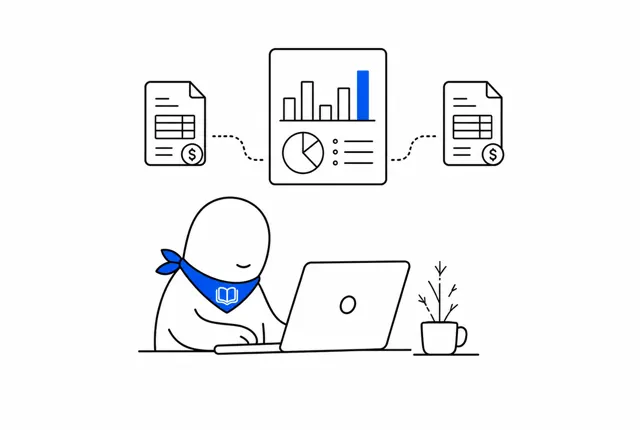
Track every bill from upload or vendor request through OCR, review, awaiting payment, partial payment, and paid status without rebuilding spreadsheets.
Work by New, Under Review, Awaiting Payment, Partially Paid, Paid, and open payment-request states.
Group invoices and payments by organization, supplier, date, sphere, status, or payment stage.
Keep filtered views for invoices and payments so repeat review work does not restart in spreadsheets.
Collect vendor name, property, work type, amount, due date, payment instructions, invoices, checks, and job photos.
CentralBook works from uploaded invoices and vendor intake submissions, then gives finance one place to review OCR data, control payments, and export clean bills.
Start from a PDF, image invoice, or public vendor intake form that creates a tracked AP record automatically.
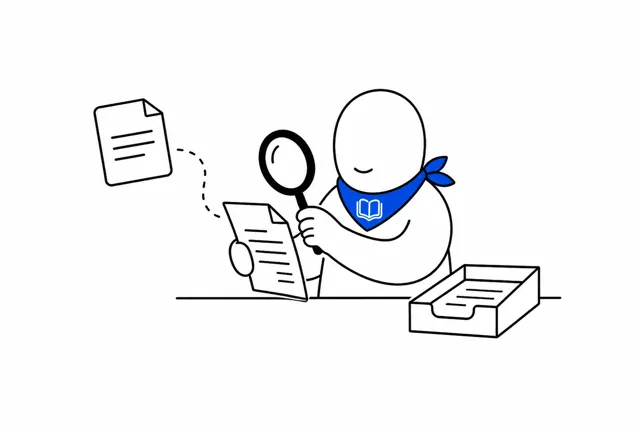
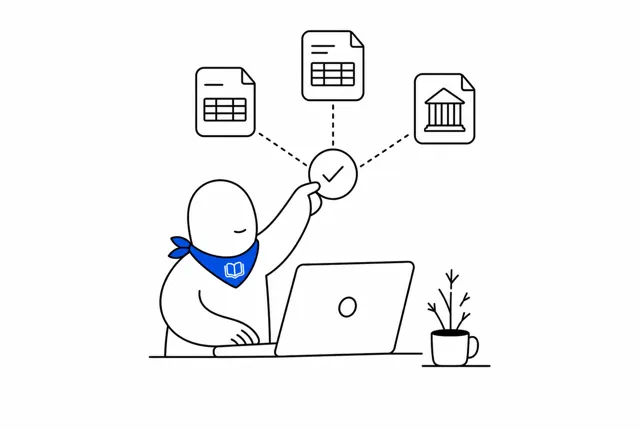
Review supplier, invoice number, dates, totals, tax, line items, files, and notes before moving the bill forward.
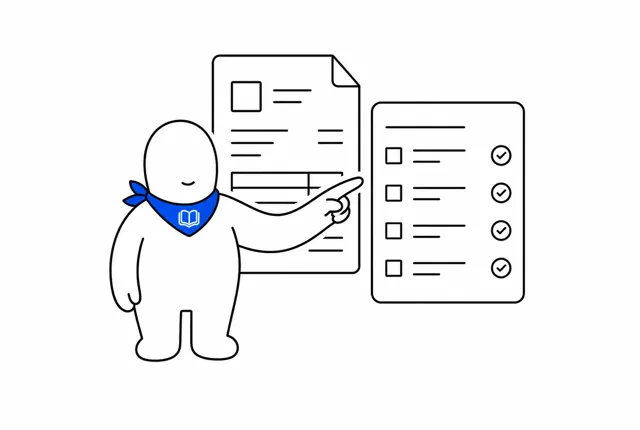
Move payments through custom statuses until they’re paid.
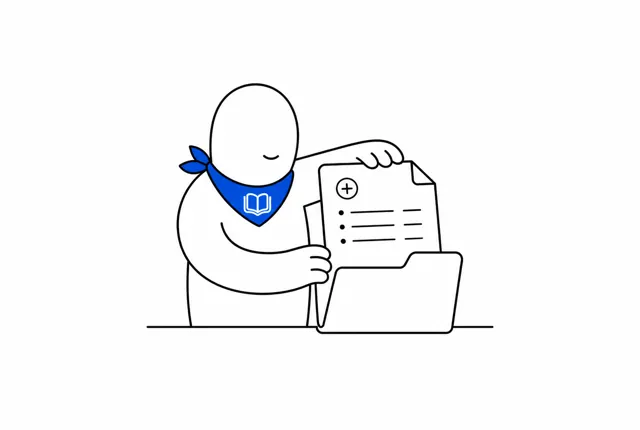
Attach source files, vendor checks, job images, line items, chart accounts, due dates, and payment notes.
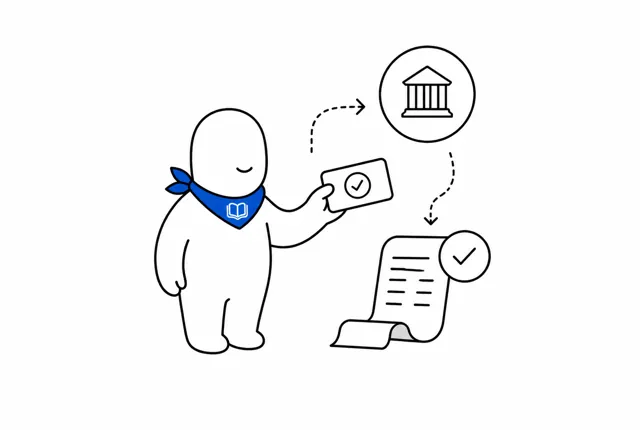
Send approved bills to your accounting system and sync payment status.
Track bills, payment progress, and spend across all your books in one clear view.
Review bills, contacts, and payments across your connected books. See an example of bills grouped by company.
See which bills each organization owes, who to pay, and which payments are complete.
The product pattern stays close to the working AP system: clear tables, compact controls, visible status, and protected staff actions.
Session-based staff access with password management for the internal AP workspace.
Link each organization to its accounting records, including contacts, ledger accounts, and bank accounts.
Public vendor forms stay open while the staff app, invoice actions, and exports stay protected.
Dashboards, saved views, grouped totals, OCR states, and open payment requests stay visible.
Use the tabs to move through the main screens: dashboard, bills, bill detail, payments, agreements, and vendor intake.
Track total bills, paid amount, outstanding balance, open payment requests, invoice status, and payment status.
Start with a 30-day free trial. Every plan includes the complete CentralBook workspace and secure Stripe checkout.
Your subscription renews automatically after the trial unless canceled. Subscriptions are subject to the Terms & Conditions and Privacy Policy.
Walk through your organizations, vendor intake, OCR review, payment stages, attachments, and accounting sync before starting a subscription.
View subscription plans